How to Create a Social Media Content Calendar
A social media content calendar is the difference between posting when inspiration strikes and posting because you have a plan. Without one, most people fall into the same trap: scrambling for something to post, publishing it late, then going quiet for a week.
Learning how to create a social media content calendar fixes that. It turns a vague intention to 'post more' into a concrete schedule you can actually follow, and it makes the whole process calmer and more creative because you are never starting from a blank page.
Below is a practical, step-by-step approach you can set up in an afternoon, whether you manage one account or several.
Start with goals, not posts
Before you draw a single grid, get clear on what the calendar is for. Are you trying to grow an audience, drive traffic to a site, book more local customers, or simply stay visible? Your goal shapes everything downstream, from which platforms you prioritize to what you post.
Write down one or two concrete objectives for the next quarter. 'Grow Instagram followers by staying consistent' or 'get more foot traffic from local awareness' are specific enough to guide decisions without becoming a straitjacket.
Choose your platforms and a realistic cadence
It is tempting to be everywhere, but spreading yourself thin usually means doing everything badly. Pick the platforms where your audience already spends time and where your content format fits. A visual product suits Instagram and TikTok, while longer explanations suit YouTube.
Then decide how often you can genuinely post on each without burning out. Be honest here. Three strong posts a week you can sustain will always beat a daily plan you abandon after two weeks.
- Prioritize platforms where your audience is already active
- Match each platform to the content you can realistically create
- Set a cadence you can keep during a busy week, not just a calm one
Define your content pillars
Content pillars are three to five recurring themes that everything you post falls under. They stop you from staring at a blank page because every idea has a home. A coffee shop might use pillars like behind-the-scenes, customer features, product education, and community events.
Pillars also keep your feed balanced. When you can see that you have five promotional posts and nothing helpful or human, it is obvious you need to rebalance. Aim for a mix that informs, entertains, and occasionally sells.
- Pick 3 to 5 themes that reflect your brand and what your audience cares about
- Balance educational, entertaining, behind-the-scenes, and promotional content
- Assign each planned post to a pillar so your mix stays varied
Map cadence, formats, and a rough monthly view
With pillars set, sketch a repeatable weekly pattern. For example: Monday educational, Wednesday behind-the-scenes, Friday customer or community. A simple recurring skeleton removes daily decision fatigue while leaving room for timely posts.
Layer in format variety too. Rotate between short video, carousels, single images, and text-led posts so your feed does not feel monotonous and you learn which formats your audience prefers.
Build the calendar itself
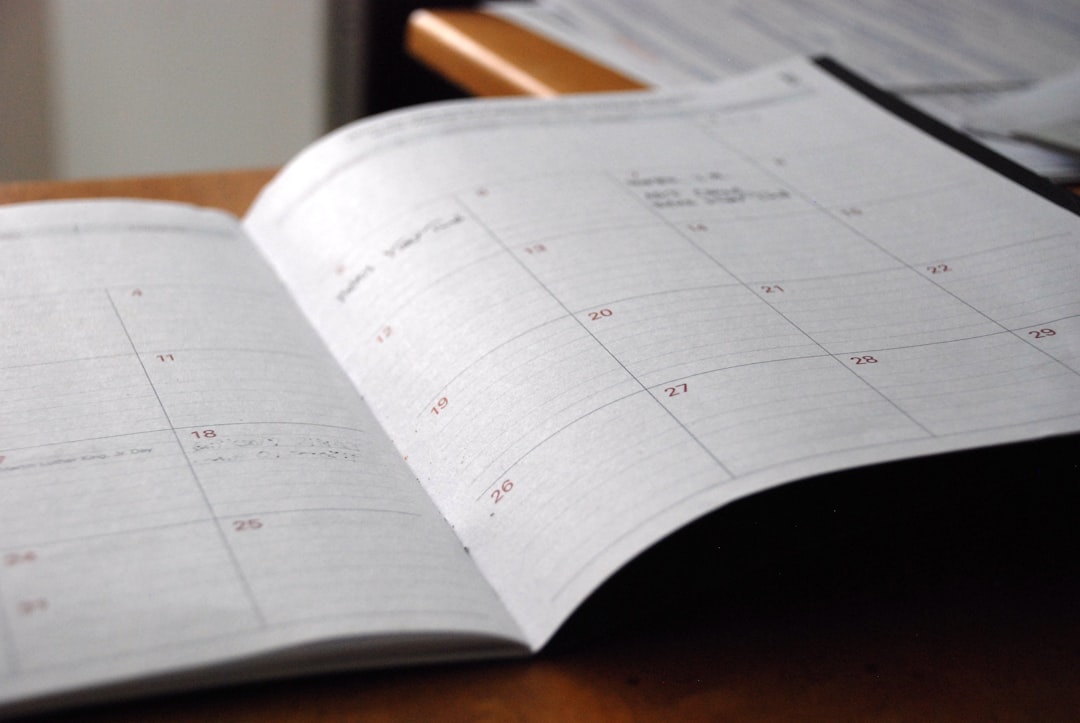
Your calendar can be a spreadsheet, a shared doc, or a dedicated scheduling tool. What matters is that it captures the essentials at a glance: date, platform, pillar, format, caption, media, and status. Add a column for links or hashtags if you use them consistently.
A spreadsheet is a fine starting point, but once you are managing multiple platforms, a visual calendar view saves real time. Seeing the whole month laid out makes gaps and clashes obvious before they become problems.
- Columns to include: date, platform, content pillar, format, caption, media, status
- Use a status field such as idea, drafted, scheduled, or published to track progress
- A calendar view helps you spot empty days and overloaded ones instantly
Batch, schedule, and leave breathing room
The calendar unlocks its biggest benefit when you fill it in batches rather than day by day. Set aside a block of time to write several captions and prepare media at once, then schedule them in advance so publishing happens without you. Tools such as My Social Publisher let you draft posts, preview how each will look per platform, and schedule them all from one shared calendar, so this step becomes a quick routine instead of a daily chore.
Crucially, do not schedule every single slot. Leave a few open for trends, timely news, or spontaneous moments. A calendar should be a backbone, not a cage.
Review monthly and adjust
At the end of each month, spend twenty minutes reviewing what worked. Which pillars drove the most saves and shares? Which formats fell flat? Feed those lessons into next month's plan so the calendar keeps improving instead of ossifying.
Over time this loop becomes your competitive edge. You are not guessing anymore; you are refining a system that gets sharper every cycle.
Frequently asked questions
How far in advance should I plan my content calendar?
Planning a month at a time works well for most people. It is far enough ahead to stay organized and batch your work, but close enough that your content still feels current.
What should a content calendar include?
At minimum, the date, platform, content theme, format, caption, and any media. A status column showing whether each post is an idea, drafted, or scheduled keeps everything moving.
How many content pillars should I have?
Three to five is the sweet spot. Fewer can make your feed repetitive, while more becomes hard to manage and dilutes your focus.
What if a trend comes up that is not on my calendar?
Leave a few slots open each week for exactly that. A good calendar gives you a reliable base while still allowing room to react to timely moments.
Build your content calendar in one place
Plan, preview, and schedule every post across your platforms with My Social Publisher so your calendar practically runs itself.
Get started free